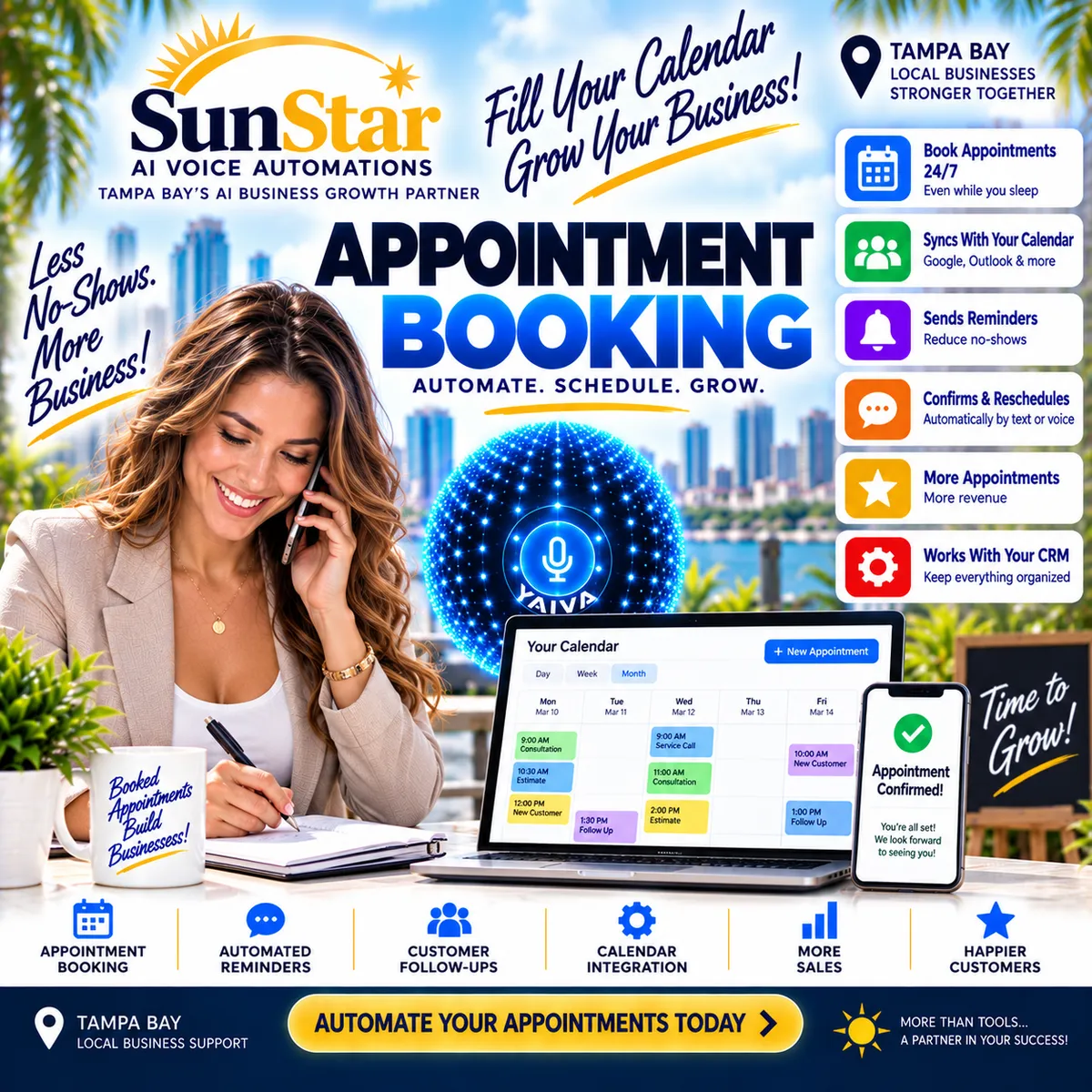
How Appointment Booking Automation Reduces Scheduling Friction
Scheduling should be simple for both sides
Customers want to know what happens after they request an appointment. Businesses need accurate contact details, the right service type, and realistic availability. A good booking process makes those expectations clear before anyone arrives.
Choose what can actually be booked
Not every service can be scheduled instantly. A consultation may fit a standard calendar slot, while an emergency repair or large project may require a callback and assessment. Decide which requests can be confirmed automatically and which need staff review.
Collect only essential details
A booking form or AI assistant can ask for the customer’s name, contact method, service requested, and preferred time. For field service, location and access details may matter. Keep the experience short and provide a way to explain unusual circumstances.
Confirm, remind, and update
Send a confirmation with the appointment date, time, and next steps. A reminder can reduce confusion, but it should also explain how to reschedule or cancel. If availability changes, update the calendar and notify the customer promptly.
Prevent double bookings
Use one authoritative calendar or a properly synchronized scheduling system. Add buffers for travel and job duration where appropriate, and distinguish a request for an appointment from a confirmed booking.
Connect scheduling to conversations
SunStar AI Voice Automation can help businesses collect appointment requests through AI-assisted conversations and connect those requests with follow-up processes. The exact booking flow should reflect your team’s actual availability.
Next steps for your business
Start by identifying one point where customers currently wait for a response or need clearer information. Improve that step, measure the result, and expand from there. Explore SunStar services at SunStar AI Voice Automation or contact the team to discuss a practical setup.
