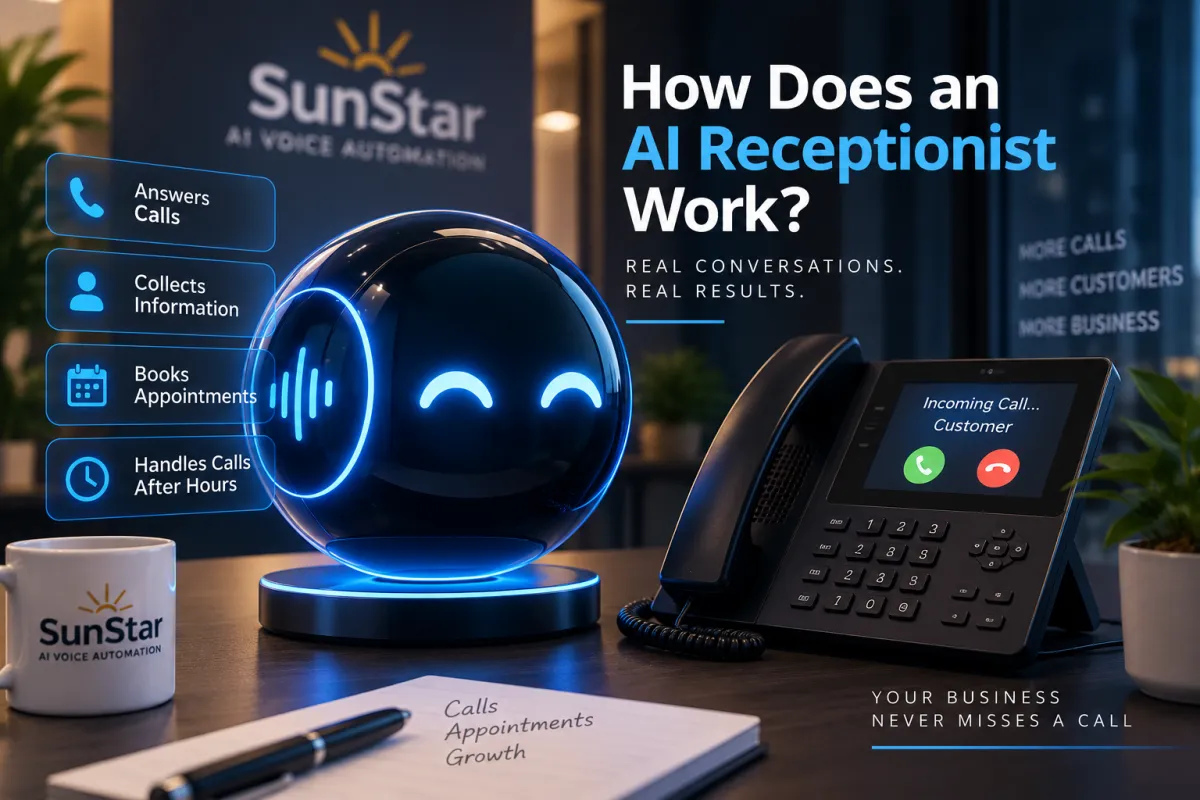
How Does an AI Receptionist Work? | SunStar AI
You're working with a customer when your business phone rings. You can't answer it right now, but the person calling might be ready to schedule a service appointment.
Or perhaps your office closes at 5:00 PM, and a potential customer calls at 7:30 PM.
What happens to those calls?
An AI receptionist can answer incoming calls, speak with customers, collect information, and help move conversations toward the next step—even when your employees are unavailable.
But how does an AI receptionist actually work?
In this guide, we'll explain the entire process, from the moment a customer calls your business to the moment your team receives the information.
What Is an AI Receptionist?
An AI receptionist is a software-based telephone assistant that uses conversational artificial intelligence to communicate with callers.
Unlike traditional voicemail, which typically plays a recorded message and waits for someone to leave a message, a conversational AI receptionist can respond to what a caller says and ask relevant follow-up questions.
Depending on its configuration, an AI receptionist may be able to:
Answer incoming business calls.
Respond to frequently asked questions.
Collect customer names and contact information.
Identify the reason for a call.
Help schedule appointments.
Transfer certain calls to a person.
Provide after-hours telephone coverage.
The exact capabilities depend on the provider, integrations, and instructions configured for your business.
Let's walk through how the process works.
Step 1: A Customer Calls Your Business
Everything begins when someone dial's your business telephone number.
Your phone system can be configured to route appropriate incoming calls to an AI receptionist.
For example, you might want the AI to answer calls:
After your office closes.
When your employees are already on the phone.
When nobody answers within a designated period.
During weekends and holidays.
Throughout the day as your primary receptionist.
The available routing options depend on your telephone provider and setup.
You don't necessarily have to send every call to AI. The system can be configured around how your business operates.
For example, a plumbing company might have employees answer calls during normal business hours and use an AI receptionist for after-hours coverage.
Step 2: The AI Receptionist Answers the Phone
When the call reaches the AI receptionist, it answers using a greeting configured specifically for your business.
For example:
"Thank you for calling ABC Heating and Cooling. How can I help you today?"
The caller responds naturally:
"My air conditioner isn't cooling, and I'd like someone to come take a look."
The AI processes the caller's speech and generates a response based on its configuration and available business information.
Rather than simply recording a voicemail, the AI can continue the conversation by asking relevant questions.
For example:
"I'm sorry you're having trouble with your air conditioner. Is the system running but not cooling, or has it stopped running completely?"
The customer can explain the situation, and the conversation continues.
This is what makes a conversational AI receptionist different from a basic automated telephone menu.
Step 3: The AI Identifies Why the Customer Is Calling
A properly configured AI receptionist should understand the common reasons people contact your business.
For an HVAC company, those reasons might include:
Air conditioning repairs.
Heating problems.
Preventive maintenance.
New system installation estimates.
Appointment scheduling.
For a plumbing company, they might include leaking pipes, clogged drains, water heater problems, and service requests.
The AI asks relevant follow-up questions to determine what the customer needs.
For example, an HVAC caller might say:
"My AC is running, but the house isn't getting cold."
The AI could respond:
"Thank you. Is this for a residential or commercial property?"
The purpose is to gather useful information so the business understands the request.
The assistant should also have clear boundaries. It should not invent technical answers or attempt to replace a qualified professional when expert judgment is required.
Step 4: The AI Collects Customer Information
Once the AI understands the reason for the call, it can collect the information your business needs.
Depending on the type of company, this may include:
Customer name.
Telephone number.
Service address.
Type of service requested.
Brief description of the problem.
Preferred appointment date or time.
For example, an HVAC receptionist might ask:
"May I have your name and the address where service is needed?"
The customer provides the information, and the AI records it through the system's supported features.
A salon would require different information than an HVAC contractor. A roofing company might need to know whether the customer wants an inspection, repair, or replacement estimate.
The questions should be customized to your business.
An AI receptionist should gather the information needed to move the request forward without making the conversation unnecessarily long.
Step 5: The AI Helps Schedule an Appointment or Arrange Follow-Up
After collecting the caller's information, the AI can help with the next step.
Depending on its configuration and integrations, the system may be able to:
Check availability through a connected calendar.
Book an appointment.
Record an appointment request.
Transfer the caller to an employee.
Send the request to your team for follow-up.
For example, an HVAC company might configure its receptionist to check available service appointments.
If a supported calendar integration is connected and properly configured, the AI may be able to offer an available time and complete the booking.
If live booking isn't configured, the assistant should collect the customer's preferred time and explain that someone will follow up to confirm the appointment.
An AI receptionist should never promise a confirmed appointment unless the system can actually verify and complete that booking.
Step 6: Your Business Receives the Call Information
Once the conversation ends, the information collected needs to reach your business.
Depending on the provider and configuration, the system may support:
Customer records.
Call summaries.
Conversation transcripts.
Call recordings.
Email notifications.
Internal follow-up workflows.
For example, an HVAC technician or office employee might receive information showing that a customer needs air conditioning service at a particular address.
Instead of starting from scratch, the employee can review the information and determine what action is needed.
Recording, transcription, notification, and data-retention features vary by service. Businesses should confirm their settings and comply with applicable privacy and recording-consent requirements.
Step 7: The AI Answers Calls After Business Hours
One of the most practical applications of an AI receptionist is after-hours call coverage.
Your office might close at 5:00 PM, but potential customers can still call at 6:30 PM, 9:00 PM, or on Sunday.
An appropriately configured AI receptionist can answer those calls and follow your business's established procedures.
For example, a roofing company might receive a call from someone who discovers a roof leak during a rainstorm.
The AI could collect the customer's contact information, property address, and a description of the problem.
If the company offers emergency service and has a supported escalation process, the assistant can follow those instructions.
If emergency service isn't available, it should explain the actual next steps rather than promise an immediate response.
Your office may be closed, but your business can still have a system in place to answer incoming calls.
The important distinction is that answering a call doesn't automatically mean a technician or employee is available to provide immediate service.
See It in Action: An HVAC Customer Calls After Hours
Let's put the entire process together.
Imagine a homeowner calls an HVAC company at 7:45 PM.
The company's office closed at 5:00 PM, and its incoming calls are configured to route to an AI receptionist.
Here's an example of how the conversation could unfold.
AI Receptionist: "Thank you for calling ABC Heating and Cooling. How can I help you today?"
Customer: "My air conditioner stopped cooling, and I need someone to look at it."
AI Receptionist: "I can help collect your service request. Is the system running but not cooling, or has it stopped running?"
Customer: "It's running, but it's blowing warm air."
AI Receptionist: "Thank you. May I have your name and the address where service is needed?"
Customer: "Michael Johnson. I'm at 123 Example Street."
AI Receptionist: "And what's the best telephone number for your service request?"
Customer: "555-0100."
AI Receptionist: "Thank you, Michael. Do you have a preferred time for a service appointment?"
Customer: "Tomorrow morning would be great."
AI Receptionist: "I've recorded your request for tomorrow morning. Our team will follow up to confirm availability."
The conversation ends.
The company's team can then receive and review the service request through the configured system.
Instead of finding only a missed-call notification, the team may have the customer's contact information, service address, description of the problem, and preferred appointment time.
This is an illustrative conversation. The exact responses and follow-up actions depend on the business's configuration and integrations.
What Happens When the AI Cannot Answer a Question?
An AI receptionist should not pretend to know everything.
A customer might ask a question that falls outside the information provided to the assistant.
For example:
"Can you guarantee that my compressor is covered under warranty?"
If the AI doesn't have reliable information to answer that question, it should follow an established procedure rather than invent a warranty decision.
Depending on your setup, it could:
Explain that a team member needs to verify the information.
Collect the customer's details for a callback.
Transfer the call to an available employee.
Record the question for follow-up.
The same principle applies when a customer specifically requests a human representative.
Your system should have clear instructions for handling those requests.
Can an AI Receptionist Work With Your Existing Phone Number?
In many cases, a business may be able to keep its existing published telephone number and route calls to an AI receptionist.
The available options depend on the business's telephone provider and the AI service.
Some setups use call forwarding, while others use more advanced routing.
Before making changes, confirm how your existing number, voicemail, and call-routing arrangements will work with the new system.
The objective is to add useful call-handling capabilities without unnecessarily disrupting how customers already contact your business.
Does an AI Receptionist Work for Every Industry?
AI receptionists can be configured for many businesses that rely on incoming telephone calls.
The conversation and workflow should be tailored to the industry.
HVAC companies: Collect repair requests, maintenance inquiries, and appointment preferences.
Plumbing companies: Identify service needs, collect property information, and arrange follow-up.
Roofing contractors: Collect inspection requests, leak reports, and estimate inquiries.
Electrical contractors: Record service requests and follow appropriate safety and escalation procedures.
Pest control companies: Gather information about the type of pest problem and help arrange inspections.
Salons and beauty businesses: Answer service questions and help customers request appointments.
Professional service businesses: Collect inquiries, answer approved general questions, and route requests to the appropriate person.
Not every workflow is appropriate for automation. Businesses should identify which tasks the AI can reliably handle and which require a qualified employee.
How Do You Set Up an AI Receptionist?
Setting up an AI receptionist involves more than choosing a voice and connecting a telephone number.
A practical implementation typically includes several stages.
1. Identify your call-handling needs.
Decide whether you want after-hours coverage, busy-line support, full-time answering, or a combination.
2. Prepare accurate business information.
Provide your services, operating hours, service areas, appointment policies, and frequently asked questions.
3. Configure the conversation.
Determine how the AI should greet callers, what information it should collect, and when it should escalate a request.
4. Connect supported systems.
Set up telephone routing and any supported calendar, customer-management, or notification integrations.
5. Test realistic calls.
Try common questions, appointment requests, unusual situations, and requests to speak with a person.
6. Review and maintain the system.
Update the assistant when your business hours, services, prices, or procedures change.
Testing is especially important. A business should confirm that the AI handles its most common situations correctly before relying on it for customer calls.
Frequently Asked Questions About AI Receptionists
Can an AI receptionist answer calls 24 hours a day?
An appropriately configured service can provide around-the-clock call answering. However, appointment availability, emergency response, and access to human employees depend on your business's actual operations.
Can an AI receptionist book appointments?
Some systems support appointment booking through connected calendars. The integration must be configured and tested to ensure that bookings are accurate.
What happens if a customer wants to speak to a real person?
The AI should follow your established transfer or callback procedure. Live transfer availability depends on the service and configuration.
Will I have to change my business phone number?
Not necessarily. Depending on your telephone provider, you may be able to route calls from your existing number to the AI receptionist.
Can an AI receptionist handle multiple incoming calls?
Some platforms support concurrent conversations. Capacity and any applicable limits depend on the provider and service plan.
Can the AI answer questions about my business?
Yes, within the information and instructions configured for it. The business should supply accurate information and establish procedures for questions the AI cannot reliably answer.
How much does an AI receptionist cost?
Pricing varies based on the provider, usage, integrations, and selected services.
SunStar AI Voice Automation offers AI voice usage rates of $0.69 per billable minute for Essential, $0.89 for Professional, and $1.19 for Premium. Subscription fees and separately priced services, where applicable, should be considered in addition to usage charges.
For a more detailed explanation, read our related article:
How Much Does an AI Receptionist Cost for a Small Business in 2026?
https://sunstaraivoiceautomation.com/post/ai-receptionist-cost-small-business
Ready to See How an AI Receptionist Could Work for Your Business?
Every business handles telephone calls differently.
An HVAC contractor may need to collect repair requests. A salon may want appointment assistance. A roofing company may need a system for recording inspection inquiries after hours.
The right AI receptionist setup should reflect your actual business needs, operating hours, and customer-service procedures.
SunStar AI Voice Automation helps businesses explore AI-powered telephone answering and configure solutions around their call-handling requirements.
Whether you need after-hours coverage, assistance during busy periods, or a more consistent way to collect incoming inquiries, we can help you explore the available options.
Contact SunStar AI Voice Automation to discuss your business and request a demonstration.